

7 Best Business Scorecard Template Picks for 2025 Success
Did you know businesses that regularly use a business scorecard template are up to three times more likely to achieve their annual goals? As 2025 approaches, organisations face increasing pressure to align teams and drive strategic growth. A business scorecard template offers a proven way to simplify performance tracking, boost accountability, and make data-driven decisions. In this article, you will discover the seven best business scorecard template picks that empower success for the coming year. Explore key features, benefits, pricing, and practical use cases to find your ideal fit. Ready to turn business challenges into actionable results? Let’s get started.
What Is a Business Scorecard Template?
Understanding the business scorecard template is crucial for any organisation aiming to thrive in 2025. At its core, a business scorecard template acts as a structured framework for tracking and managing key performance indicators (KPIs) across your business. By consolidating complex data into an easily digestible format, these templates enable leaders to monitor progress, identify gaps, and drive strategic alignment.
Traditional scorecards were often manual and paper-based, making regular updates and collaboration challenging. In contrast, today’s digital business scorecard template options offer real-time data visualisation, automation, and seamless sharing. This evolution has made performance tracking not only more accurate but also significantly more actionable for teams of all sizes.
Definition and Core Purpose
A business scorecard template serves as a blueprint for strategic management. It standardises how performance is measured and reported, ensuring that everyone in the organisation operates with a shared understanding of priorities. Through clear layouts and structured data, the business scorecard template simplifies complex information, helping teams focus on what matters most.
Digital templates have transformed this process by providing dynamic updates and interactive features. Unlike static, traditional scorecards, modern templates offer flexibility and immediate access to critical insights. This shift empowers leaders to make timely, informed decisions.
Key Benefits of Using Scorecard Templates
Implementing a business scorecard template brings measurable advantages. First, it aligns goals across departments, ensuring every team member pulls in the same direction. Second, it supports data-driven decision-making, fostering a culture of accountability and transparency.
Stakeholders benefit from enhanced communication, as reports are easy to interpret and share. Automation reduces manual errors and streamlines reporting. According to Hypercontext, companies with clear goals and regular KPI tracking can see up to three times year-over-year growth, highlighting the strategic value of adopting a business scorecard template.
Types of Scorecard Templates
There are several types of business scorecard template available to suit different business needs. The Balanced Scorecard (BSC) is widely used, focusing on four perspectives: financial, customer, internal processes, and learning and growth. KPI scorecards, meanwhile, track specific metrics for departments or the entire company.
You can choose between digital dashboard templates, which offer live data and visualisation, and spreadsheet-based templates for simpler needs. Many businesses also opt for customisable solutions tailored to their industry or size. For a practical example, explore this Balanced Scorecard Strategy Template to see how strategic objectives and measurable outcomes align.
Real-World Examples
Leading companies use the business scorecard template to drive performance across various functions. eCommerce businesses, for instance, rely on scorecards to monitor sales growth and channel effectiveness. Tech firms use them to track product development milestones and customer retention rates.
By adopting a business scorecard template, organisations can break down silos and ensure that every project, campaign, or product launch is measured against clear, strategic goals. This approach supports continuous improvement and long-term growth.
How to Choose the Right Scorecard Template for Your Business
Selecting the right business scorecard template is a pivotal step in driving organisational success. The ideal template should not only capture your company’s strategic priorities but also fit your operational style and resources. By carefully matching your choice to your business goals and team workflows, you’ll lay a strong foundation for effective performance management.
Assessing Your Business Needs
Begin by clarifying your business objectives for the coming year. Are you focused on growth, operational efficiency, or customer satisfaction? Next, determine which teams or departments will use the business scorecard template—marketing, sales, operations, or company-wide. The size and complexity of your organisation also play a role, as a start-up’s needs will differ from those of an enterprise. For a thorough evaluation, consider using a Clarity Audit for business scorecards to pinpoint strengths and areas for improvement in your current approach. This step ensures your chosen template aligns perfectly with your strategic goals.
Key Features to Look For
When reviewing business scorecard template options, prioritise features that drive usability and effectiveness. Look for customisability so you can tailor KPIs, layouts, and data fields to your unique requirements. Integration with platforms such as Excel, Google Sheets, or CRM systems is crucial for seamless data flow. Strong visualisation tools, like charts and dashboards, make interpreting results easier for your team. Automation capabilities save time by updating metrics in real time. Finally, collaboration tools allow multiple users to access and update the template, supporting transparency and teamwork.
Common Pitfalls to Avoid
A frequent mistake is overcomplicating your business scorecard template with too many KPIs. Experts recommend tracking no more than 10 to 15 metrics per scorecard to maintain focus. Another pitfall is poor visual design, which can hinder understanding and engagement. Ensure your template is clear, intuitive, and easy to navigate. Lastly, failing to align KPIs with overarching business strategy weakens the scorecard’s impact. Always revisit your core objectives and ensure every metric supports them.
Example Scenarios
Consider a marketing team that needs to monitor campaign performance—they will benefit from a business scorecard template focused on channel reach, leads, and ROI. An executive team may require a high-level dashboard tracking financial health, customer satisfaction, and operational efficiency. For small businesses, a simple spreadsheet-based template might suffice. In contrast, larger enterprises often need robust, cloud-based solutions with advanced automation and reporting. Matching template features to your unique context enables better decision-making and sustainable growth.
7 Best Business Scorecard Template Picks for 2025 Success
Choosing the right business scorecard template can be the catalyst for high performance in 2025. With digital transformation accelerating, organisations demand tools that offer clarity, adaptability, and actionable insights. Our selection criteria focused on essential features, ease of use, value for money, and the ability to meet emerging business needs.
Below, you will find a comparison table for a quick overview, followed by detailed reviews of each business scorecard template. These templates are suitable for a range of industries and team sizes, ensuring there is a fit for every growth-focused organisation.
Business Scorecard Template Comparison Table
| Template | Pricing | Key Features | Best For | Unique Benefit |
|---|---|---|---|---|
| ClarityOS™ Free Scorecard & 90-Day Plan | Free (Tech founders £1m–£10m) | Operator coaching, 90-day plan | Tech founders | Personalised, industry-specific |
| DashThis KPI Scorecard Template | From $33/month | Automated dashboards, integrations | Agencies, SMBs | Real-time, visual reporting |
| Smartsheet Scorecard Template | Free/From £5/user/month | Balanced layouts, automation | Project managers | Project management integration |
| Microsoft Excel Balanced Scorecard | Free (Office) | Customisable KPIs, offline use | Small businesses | Universal, simple to use |
| SimpleKPI Business Scorecard | From £19/user/month | KPI tracking, dashboards | SMEs, HR, Sales | Mobile-friendly, intuitive |
| ClickUp Scorecard Template | Free/From £4/user/month | Task & KPI management | Startups, remote teams | All-in-one workspace |
| Monday.com KPI Scorecard Template | Free trial/From £7/user/month | Visual boards, workflow automation | Ops, Marketing, HR | Highly visual, collaborative |
ClarityOS™ Free Scorecard & 90-Day Plan
The ClarityOS™ Free Scorecard & 90-Day Plan is a business scorecard template tailored for tech founders scaling their companies between £1m and £10m in revenue. This template delivers a focused, operator-level coaching framework that guides leadership teams through a proven 90-day action plan.
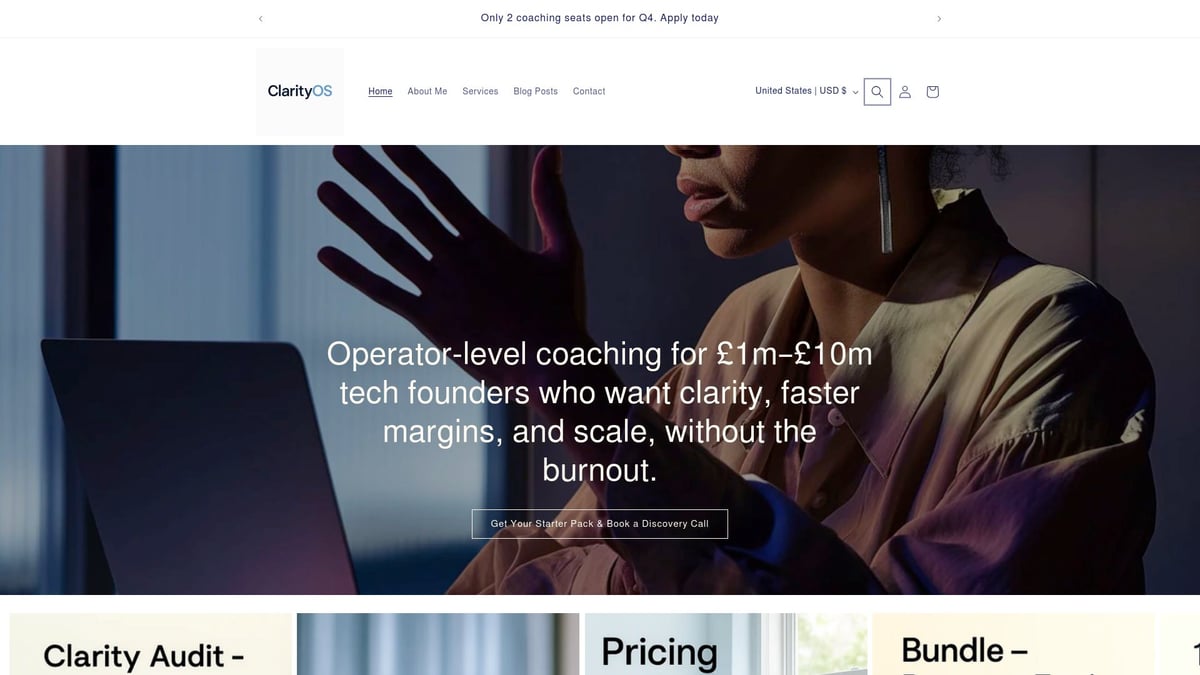
Key features include tracking of 10 essential business metrics, a clarity audit, and access to practical coaching resources. The template is designed to align leadership, increase profit margins, and reduce founder burnout. Its no-fluff approach has shown results across SaaS, AI, and Web3 startups, setting it apart from generic business scorecard template options.
Pros of this template are its personalised guidance, actionable structure, and industry-specific focus. The main limitation is its niche appeal, as it is best suited for tech sector founders and offers limited seats for coaching upgrades.
For those interested in practical examples and balanced scorecard resources, you may find Balanced Scorecard Examples and Template useful for further reading.
DashThis KPI Scorecard Template
DashThis offers a business scorecard template designed for marketing teams, agencies, and SMBs seeking efficient performance tracking. With paid plans starting at $33 per month and a free 15-day trial, DashThis provides automated data integration with 40+ platform connections.
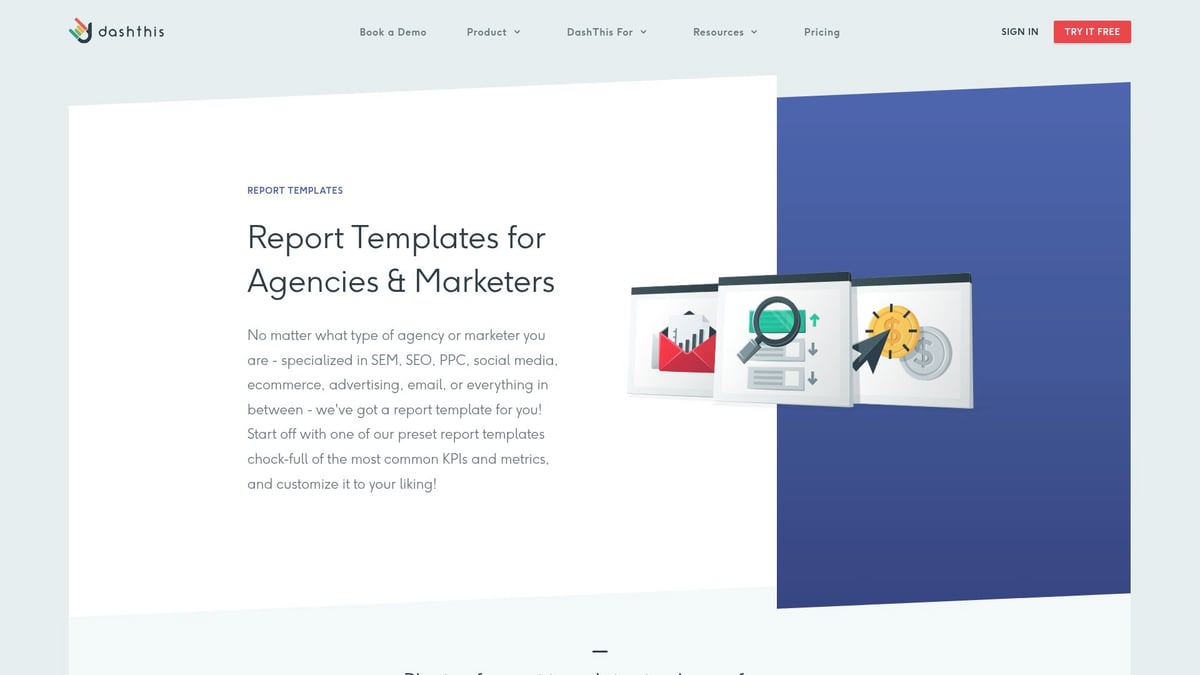
Its core features include interactive dashboards, real-time reporting, and custom widgets for tailored visualisation. This business scorecard template stands out for its white-label options and automation capabilities, allowing users to eliminate manual reporting and focus on insights.
DashThis is highly customisable and user-friendly. However, some advanced features are reserved for higher-tier subscriptions, and its primary focus is marketing analytics. Teams looking for broader business scorecard template applications may need to combine it with other tools.
Smartsheet Scorecard Template
The Smartsheet Scorecard Template brings robust project management capabilities to the business scorecard template landscape. Free templates are available, with the full platform starting at £5 per user per month.
Smartsheet’s pre-built balanced scorecard layouts, real-time collaboration, Gantt charts, and automation features make it ideal for project managers and cross-functional teams. The cloud-based interface enhances accessibility and streamlines complex project tracking.
This business scorecard template excels in flexibility and scalability, supporting large enterprises and intricate projects. New users may face a learning curve, and unlocking advanced automation requires a paid subscription. Still, for organisations seeking integrated project and performance tracking, Smartsheet delivers comprehensive value.
Microsoft Excel Balanced Scorecard Template
Microsoft Excel’s balanced scorecard template remains a classic choice for businesses wanting simplicity and universal access. Included with any Microsoft Office subscription, this business scorecard template enables customisable KPI tracking, visual charts, and straightforward data entry.
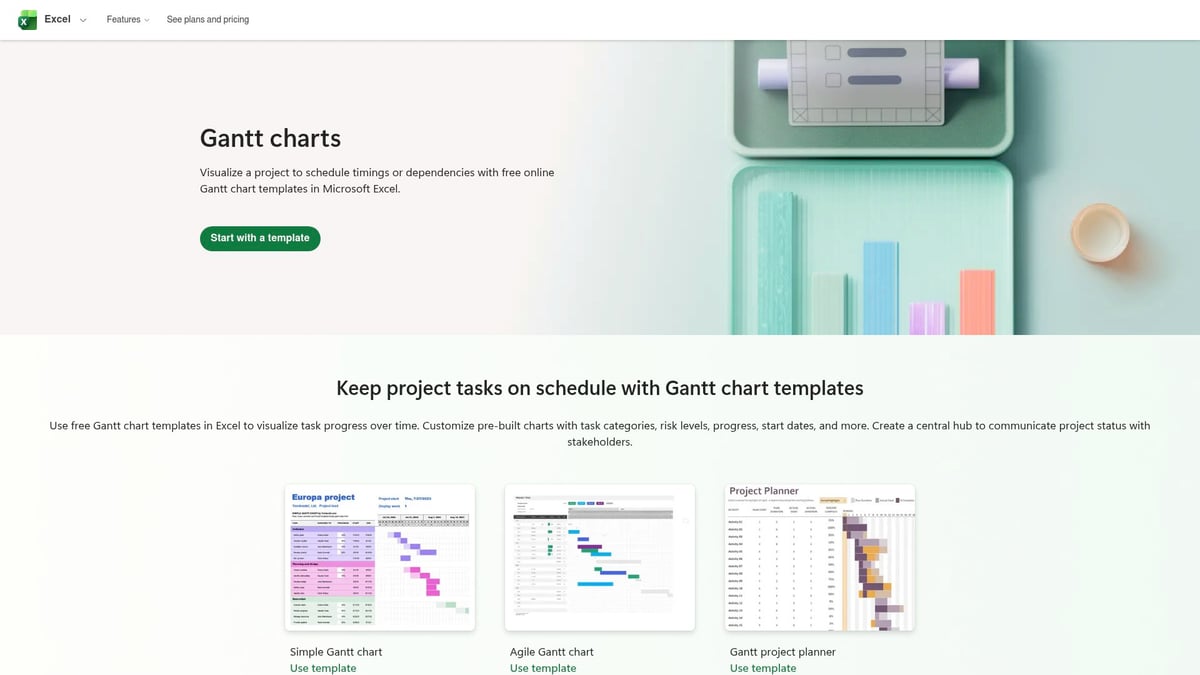
Its main advantages are cost-effectiveness, offline accessibility, and a familiar interface for most professionals. This business scorecard template is especially suitable for small businesses, finance teams, and startups requiring quick deployment.
However, Excel templates typically require manual updates and lack real-time automation. While highly customisable, they may not scale easily for larger organisations handling complex data or multi-team collaboration.
SimpleKPI Business Scorecard
SimpleKPI provides a business scorecard template starting at £19 per user per month, with a free trial available. The platform focuses on intuitive KPI tracking, dashboard visualisation, and automated reporting, making it accessible for SMEs, HR, and sales departments.
Key features include mobile-friendly dashboards, export options, and fast setup. SimpleKPI’s business scorecard template enables teams to review performance efficiently, foster accountability, and align goals across departments.
While user-friendly and flexible, it offers fewer integrations compared to enterprise-grade solutions. Pricing is per user, which could increase costs for larger teams. Nevertheless, it remains a top choice for smaller organisations seeking streamlined performance management.
ClickUp Scorecard Template
ClickUp’s business scorecard template integrates KPI tracking with comprehensive project management. It offers a free basic plan, with premium features from £4 per user per month. ClickUp supports custom scorecard templates, goal tracking, and seamless task management.
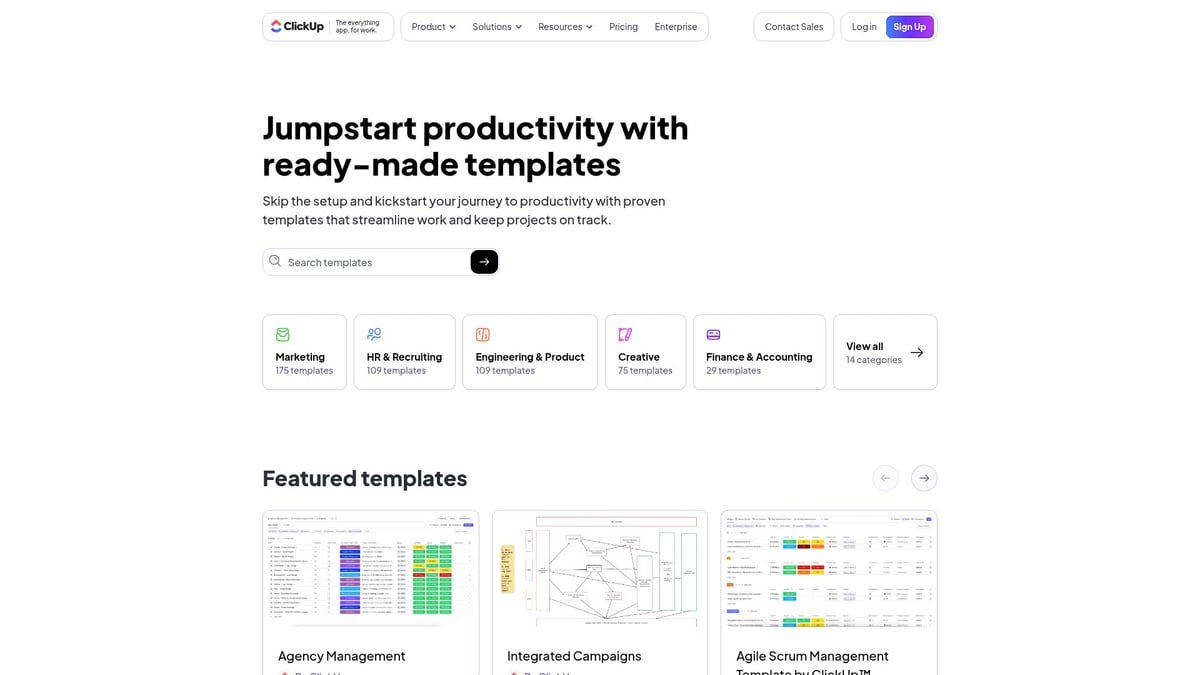
This template’s standout feature is the combination of KPI monitoring with workflow automation, centralising operations for startups and remote teams. Visual progress tracking and robust automation empower teams to make data-driven decisions efficiently.
ClickUp’s business scorecard template is scalable and ideal for growing organisations. However, its rich feature set may overwhelm new users, and some advanced tools are only accessible on paid plans. Still, it delivers excellent value for teams aiming to consolidate operations and performance tracking.
Monday.com KPI Scorecard Template
Monday.com presents a business scorecard template with a focus on visual collaboration and automation. A free trial is available, with paid plans beginning at £7 per user per month. Monday.com’s template offers customisable KPI dashboards, automated workflows, and extensive integrations with tools like Slack and Google Drive.
The visual boards and real-time updates make it easy for marketing, sales, operations, and HR teams to align and track performance. This business scorecard template simplifies reporting and automates repetitive tasks, boosting productivity.
Monday.com is highly visual and supports easy onboarding. The main drawbacks are that costs can rise with larger teams, and some advanced features are reserved for higher subscription tiers. Despite this, it remains a compelling solution for organisations seeking a collaborative, automated business scorecard template.
In summary, selecting the right business scorecard template depends on your organisation’s size, sector, and specific goals for 2025. Each template highlighted above addresses distinct needs, from founder-led tech startups to large cross-functional enterprises. By leveraging these tools, businesses can create a culture of accountability, drive strategic alignment, and achieve measurable growth.
Implementing Scorecard Templates: Best Practices for 2025
Implementing a business scorecard template effectively in 2025 requires a structured approach that aligns with your goals and supports long-term growth. By following these best practices, you can ensure that your scorecard templates deliver strategic value, support data-driven decisions, and drive meaningful outcomes.
Aligning Scorecards with Business Strategy
Start by ensuring your business scorecard template directly reflects your company's strategic objectives for 2025. Involve leadership and key stakeholders early, as their buy-in is essential for successful adoption. Use insights from executive coaching and KPI alignment to identify the right metrics that reinforce your vision.
For example, a tech firm might link scorecard KPIs to product milestones, ensuring every tracked metric supports business priorities. Regularly review these connections so your scorecard evolves alongside your strategy.
Setting Up and Customising Templates
Choose a business scorecard template that allows easy customisation. Select only the most relevant KPIs, ideally between 10 and 15, to avoid overwhelming users. Define clear success criteria for each metric.
Apply the SMART criteria (Specific, Measurable, Achievable, Relevant, Time-bound) when adding KPIs. Customise layouts and dashboards so each department can visualise its most important data efficiently.
Automating Data Collection and Reporting
Integrate your business scorecard template with existing tools and platforms to automate data gathering. Set up connections to sources like Google Analytics, CRM, or sales software, reducing the need for manual updates.
Automation ensures real-time insights, enabling faster and more informed decision-making. It also minimises human error, making reporting both accurate and efficient.
Driving Team Adoption and Accountability
Communicate the purpose and benefits of using a business scorecard template to every team member. Offer training sessions or onboarding resources to help staff adapt to new tools.
Promote regular review intervals, such as weekly or monthly scorecard meetings, to keep everyone accountable. Encourage open discussions about results, so teams feel engaged and motivated.
Measuring and Iterating for Continuous Improvement
Treat your business scorecard template as a living tool. Use feedback from users and performance data to refine KPIs and layouts over time.
Schedule quarterly reviews to assess whether metrics still align with business objectives. Adjust the template as priorities shift, ensuring it remains relevant and effective for your evolving needs.
Security and Data Privacy Considerations
Safeguard all sensitive business information within your business scorecard template, especially when using cloud-based platforms. Confirm that your chosen solution complies with GDPR and other data protection requirements for 2025.
Implement access controls and encryption to protect data, and educate your team on best practices for data privacy.
Real-World Success Stories
Many companies have transformed performance tracking by adopting a business scorecard template. For example, tech founders using operator-level coaching for founders have seen improved alignment and faster decision-making. Businesses with clear KPI tracking report up to three times faster growth, highlighting the tangible benefits of effective implementation.
Scorecard Templates FAQ: Common Questions Answered
Navigating the world of business scorecard template options can raise plenty of questions for leaders looking to improve performance tracking. Below, we address the most common queries to help you select and implement the right solution for your needs.
What is the difference between a balanced scorecard and a KPI scorecard?
A balanced scorecard tracks performance across four perspectives: financial, customer, internal processes, and learning and growth. In contrast, a KPI scorecard focuses solely on specific key metrics, often tied to a single department or objective. Balanced scorecards are best for strategic alignment, while KPI scorecards suit targeted measurement.
How often should business scorecards be updated?
Update frequency depends on your organisation's pace and needs. Most companies review their business scorecard template monthly or quarterly. For fast-moving industries or teams, real-time or weekly updates may be necessary to maintain relevance and drive timely decisions.
Can scorecard templates be customised for different departments?
Yes, a business scorecard template is highly customisable. Marketing, HR, finance, and operations teams can each tailor templates to their unique KPIs and objectives. Customisation ensures that each department’s goals and measures are relevant and aligned with the broader strategy.
What are the risks of using poorly designed scorecard templates?
Risks include data overload, misaligned metrics, and lack of actionable insights. Overcomplicating a business scorecard template with too many KPIs can confuse teams and obscure priorities. Always focus on clarity and strategic alignment when designing templates.
How do I ensure my team uses the scorecard consistently?
Start with clear onboarding and training for your chosen business scorecard template. Leadership buy-in is crucial. Hold regular reviews, weekly or monthly, to discuss results and keep everyone accountable. Consistency comes from embedding the scorecard into daily routines.
Are there free business scorecard templates available?
Absolutely. Microsoft Excel and ClarityOS™ both offer free options. For more customisable visual tools, explore the Free Balanced Scorecard Templates resource, which provides templates for a variety of business needs.
What integrations should I look for in a digital scorecard tool?
Look for business scorecard template solutions that connect with Google Analytics, Salesforce, Slack, or Microsoft Teams. Integration with your core business apps streamlines data collection and automates reporting, saving valuable time.
How do scorecard templates support scaling businesses in 2025?
A well-chosen business scorecard template adapts as your company grows. Features like automation, real-time dashboards, and collaborative access help maintain strategic focus and efficiency, even as your team expands or priorities shift.
If you’re ready to turn business chaos into clarity and set your team up for measurable success in 2025, why not take the next step? You’ve just explored the top business scorecard templates and seen how strategic alignment, clear KPIs, and practical frameworks can drive growth without adding to your workload. If you’d like to discuss how these insights apply to your business, or want guidance on choosing and implementing the right template, I invite you to [Book a discovery call](Let’s connect and talk). Together, we can build a clear, scalable plan that helps you lead with confidence.